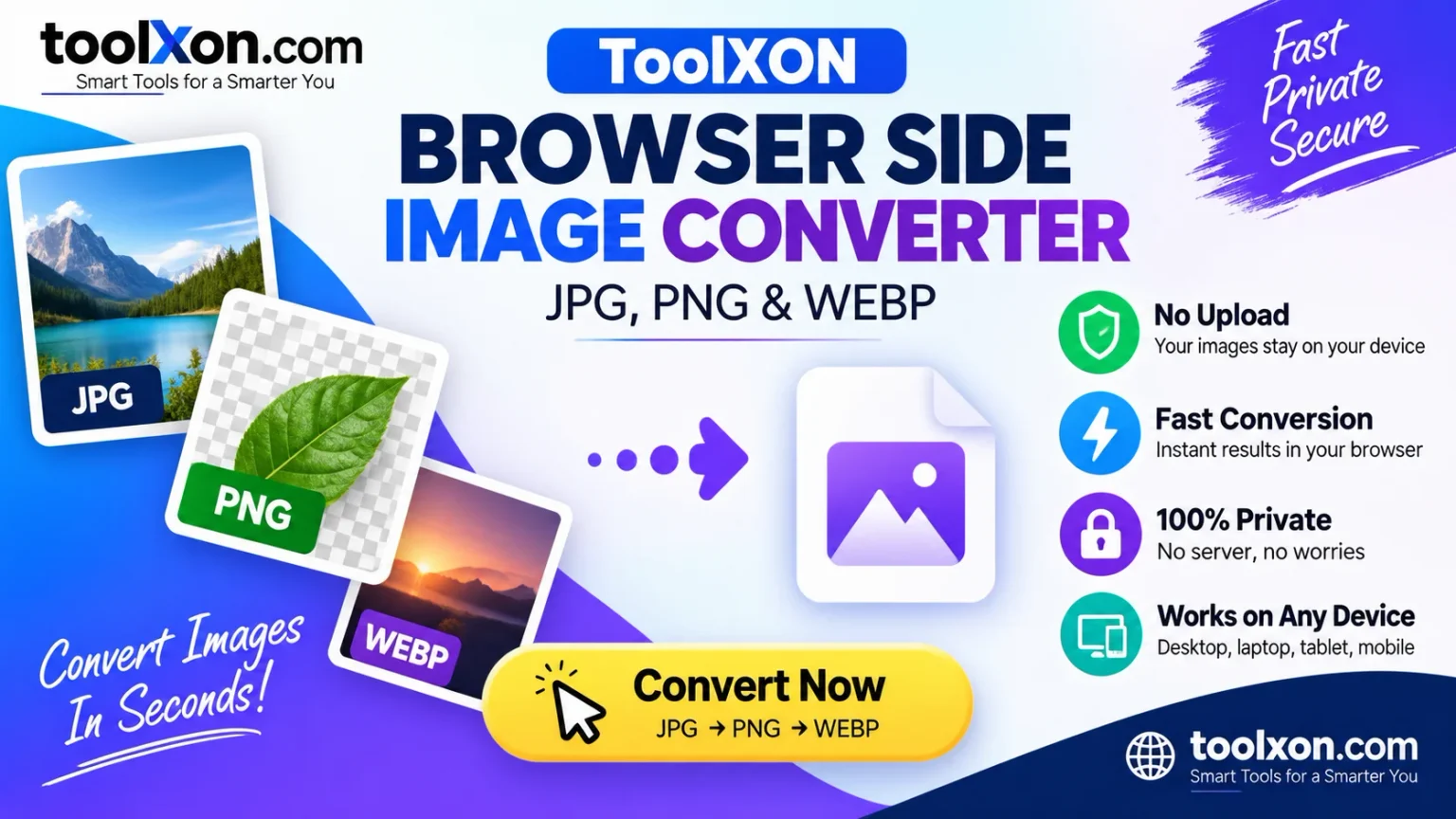
ToolXON Browser Side Image Converter
Convert image formats online without complicated software. A simple solution for changing JPG, PNG and WEBP images.
Open Image Converter ↗ToolXON Browser Side Image Converter makes changing image formats easier when you need a JPG, PNG or WEBP version of a picture. Different websites, apps and devices sometimes require different image formats. For example, you might have a PNG image but need a JPG version for uploading, or want to convert a JPG into WEBP for a website. Installing desktop software just for these small tasks can be unnecessary. That's where this free online image format converter comes in handy. Open the tool, select your image and choose the format you need. The conversion process is designed to run directly in your browser, helping you avoid unnecessary uploads when supported by the tool. Whether you are preparing website graphics, social media images or everyday pictures, ToolXON offers a straightforward way to handle common image conversion tasks.
Table of Contents
Supported Image Formats: JPG, PNG and WEBP
JPG / JPEG
JPG is widely supported and works well for photographs and everyday images. It is a practical choice when you need smaller image files.
PNG
PNG supports transparency and is useful for logos, icons, screenshots and graphics that need clear backgrounds.
WEBP
WEBP is a modern image format designed to provide efficient compression and good image quality. It is especially useful for website images.
How to Convert Images Online
- Open the ToolXON Image Converter.
- Select the image you want to convert.
- Choose JPG, PNG or WEBP as your output format.
- Start the conversion process.
- Download the converted image when it is ready.
Tip: Always check the converted image before using it. Transparency may not be preserved when converting PNG files to JPG.
Convert Image Now ↗Why Use ToolXON Image Converter?
- Free online image format conversion.
- Supports popular JPG, PNG and WEBP formats.
- No complicated software installation.
- Simple interface for everyday image tasks.
- Useful for website graphics and personal images.
Explore More ToolXON Image Tools
- Passport Photo Resizer – Prepare passport-size photographs.
- Image to Base64 – Convert images into Base64 text.
- Image Resizer – Resize images to your required dimensions.
- ToolXON Image Compressor – Reduce image file sizes.
Frequently Asked Questions
1. Is ToolXON Image Converter free?
Yes, you can use the online image converter for free.
2. Which image formats are supported?
The converter supports JPG, PNG and WEBP image formats.
3. Can I convert JPG to PNG?
Yes. Select your JPG image and choose PNG as the output format.
4. Does image conversion require software installation?
No desktop software installation is required. You can access the tool through a compatible web browser.
5. Is my image uploaded to a server?
The tool is designed for browser-side conversion. If processing happens locally in your browser, your image does not need to be uploaded to a conversion server. Check the tool's actual processing behaviour before using sensitive images.
Convert Your Images the Easy Way
Need to change JPG, PNG or WEBP formats? Try the ToolXON Browser Side Image Converter and handle your image conversion in a few simple steps.
Open ToolXON Image Converter ↗