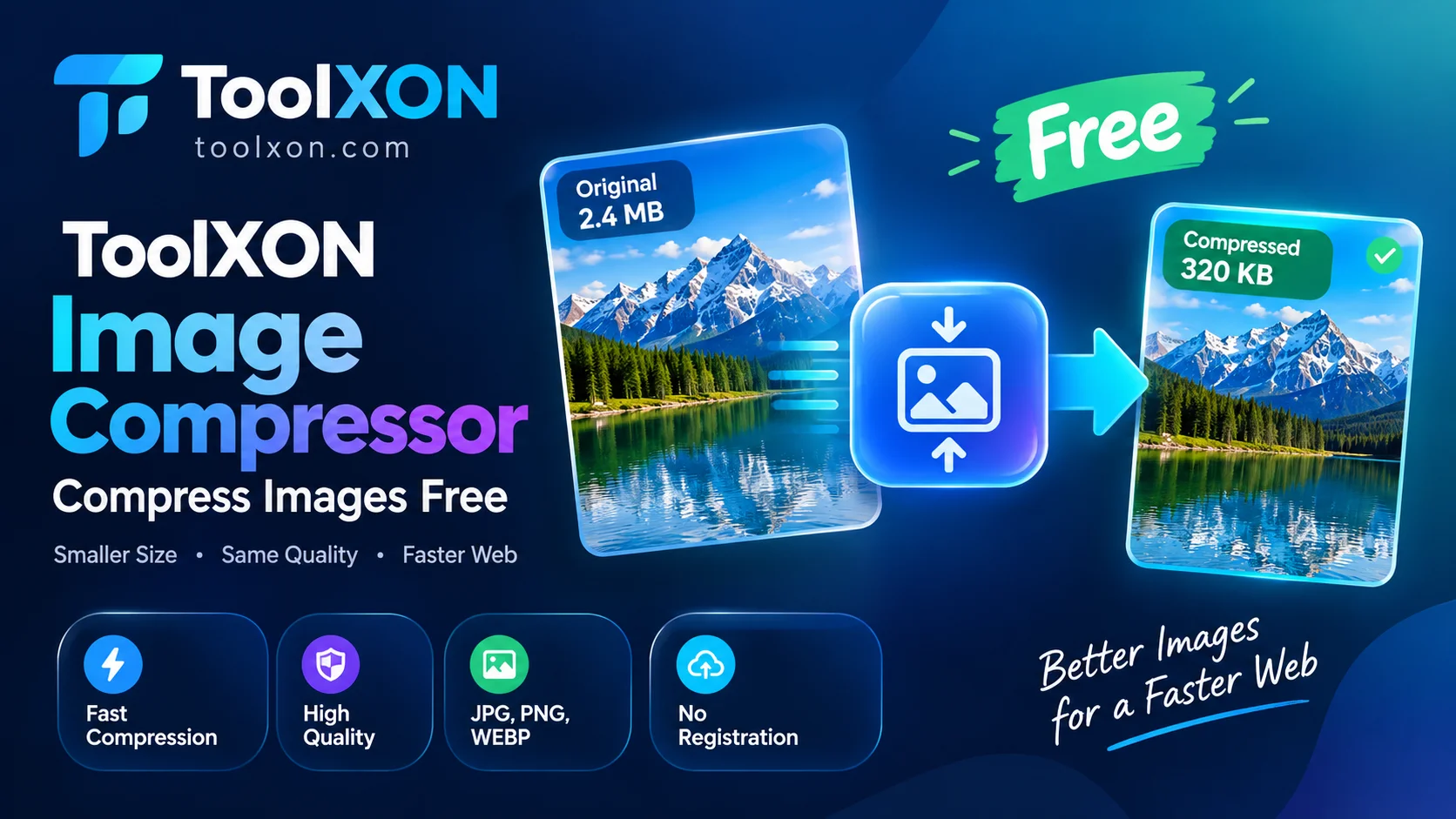
ToolXON Image Compressor
Reduce image file sizes online with a simple and convenient image compression tool. No complicated software installation required.
Compress Images Now →What Is ToolXON Image Compressor?
ToolXON Image Compressor is a free online image compression tool designed for people who want smaller image files without unnecessary hassle. Large images can take longer to upload, consume storage space and slow down website pages. This can become frustrating when you regularly work with photographs, blog graphics or images for social media.
Instead of installing another application, you can use this browser-based image compressor to get started online. It offers a convenient way to reduce image file size and prepare images for everyday digital use. Whether you are managing a website or simply sharing pictures, image compression can make your workflow easier.
Why Use a Free Online Image Compressor?
⚡ Smaller Image Files
Reduce image file sizes to make uploading and sharing more convenient.
📱 Easy Online Access
Use the tool from a supported browser without needing a separate desktop application.
🌐 Website Optimization
Compressed images can help reduce page weight and support better website loading performance.
How to Compress Images Online
- Open the ToolXON Image Compressor.
- Select or upload the image you want to compress.
- Choose the available compression settings, if provided.
- Start the compression process.
- Download the compressed image when it is ready.
Who Should Use This Image Size Reducer?
This free image compressor can be useful for bloggers, website owners, students, content creators and anyone who frequently uploads or shares images. It is particularly helpful when you want to reduce image file size before publishing website content.
Explore More ToolXON Image Tools
Frequently Asked Questions
Yes, it is presented as a free online image compression tool.
Yes. You can access the tool through a supported web browser.
Smaller image files can reduce upload times, save storage space and help improve website performance.
Not necessarily. Compression can affect image quality depending on the method and settings used. Always check the final image.
Compress Your Images Today
Make image preparation simpler with ToolXON. Open the free online compressor and get started.
Open Image Compressor →