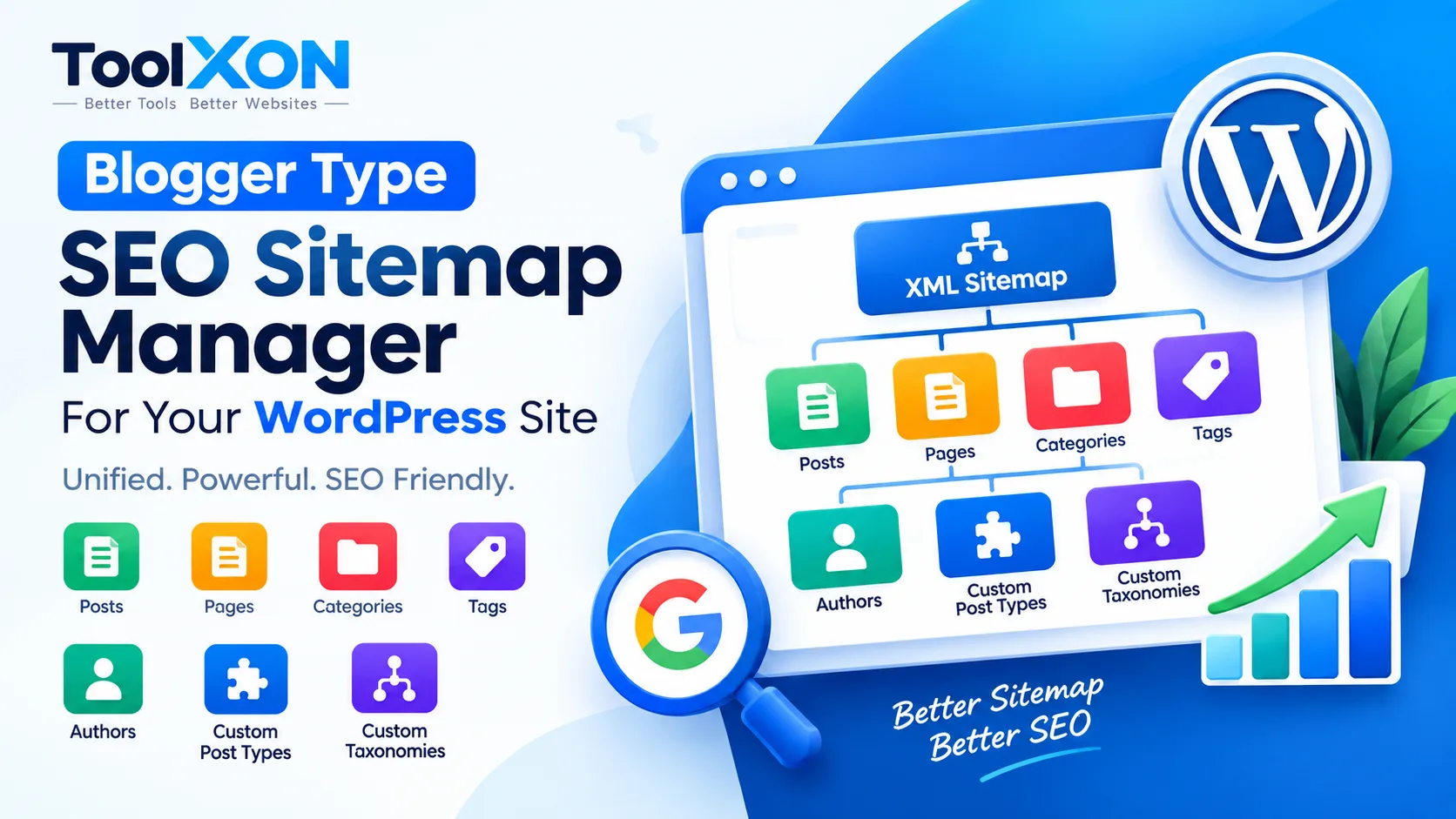
Blogger Type SEO Sitemap Manager for WordPress
Bring a Blogger-style sitemap management experience to your WordPress website with a dedicated SEO sitemap plugin.
↓ Download PluginBlogger Type SEO Sitemap Manager is designed for WordPress website owners who want a more convenient way to manage their sitemap experience. If you have previously used Blogger, you may already be familiar with its simple sitemap structure. However, managing sitemap-related features on WordPress can sometimes require additional configuration or plugins.
This plugin aims to bring a Blogger-inspired approach to WordPress SEO sitemap management. It can be useful for bloggers, content publishers and website administrators who want to keep sitemap organization easier to handle. Moreover, a properly configured sitemap can help search engines discover important website URLs. It does not guarantee indexing or higher rankings, but it can support your overall technical SEO workflow.
📑 Table of Contents
Blogger Type SEO Sitemap Manager – Features
- Blogger-Inspired Approach: Designed around a familiar Blogger-style sitemap experience.
- WordPress Compatibility: Developed for WordPress website owners.
- Sitemap Management: Helps simplify sitemap-related website management.
- SEO Workflow: Supports better organization of sitemap-related tasks.
Check the plugin information and available features before installation to confirm compatibility with your website.
Why Choose a WordPress SEO Sitemap Plugin?
A sitemap provides search engines with information about URLs available on your website. Therefore, keeping sitemap settings properly configured is an important part of technical SEO.
This Blogger-style sitemap manager offers another option for WordPress users who prefer a simpler sitemap workflow instead of handling everything manually.
How to Install Blogger Type Sitemap Manager
- Visit the official ToolXON plugin download page.
- Download the available plugin ZIP file.
- Open your WordPress Dashboard.
- Navigate to Plugins → Add New Plugin → Upload Plugin.
- Select the ZIP file and click Install Now.
- Activate the plugin and review its available settings.
Always keep a website backup before installing a new plugin.
Explore More WordPress Plugins
Looking for more useful plugins and tools? Explore the ToolXON Plugin Collection to discover additional resources for your website.
Frequently Asked Questions
It is a WordPress plugin designed to provide a Blogger-inspired sitemap management experience.
Yes. It is presented as a plugin for WordPress websites.
No. A sitemap helps search engines discover URLs, but indexing is not guaranteed.
You can visit the ToolXON plugin page to access its available download.
Try Blogger Type SEO Sitemap Manager
Explore a Blogger-inspired sitemap management option for your WordPress website.
Download Plugin →