Introduction
Learning how to create Google Account access is simple, even if you are new to smartphones or computers. A Google account lets you use Gmail, Google Drive, Google Photos, YouTube, and many other useful services with a single login. Whether you want a new email address for personal communication, online registration, or work, setting up an account takes only a few minutes.
The best part is that creating a Google account is free. You can complete the Google account sign-up process using an Android phone, iPhone, tablet, or computer. In this guide, you will learn each step, understand the information you need, and discover what to do if registration does not work. Follow the instructions below to set up your account safely and start using Google's services.
Table of Contents
- What You Need Before Registration
- How to Create Google Account Step by Step
- Tips for Keeping Your Account Safe
- Frequently Asked Questions
What You Need Before Registration
Before starting, make sure you have an internet connection and a device with a web browser. A phone number may be requested for verification, depending on Google's requirements.
How to Create Google Account Step by Step
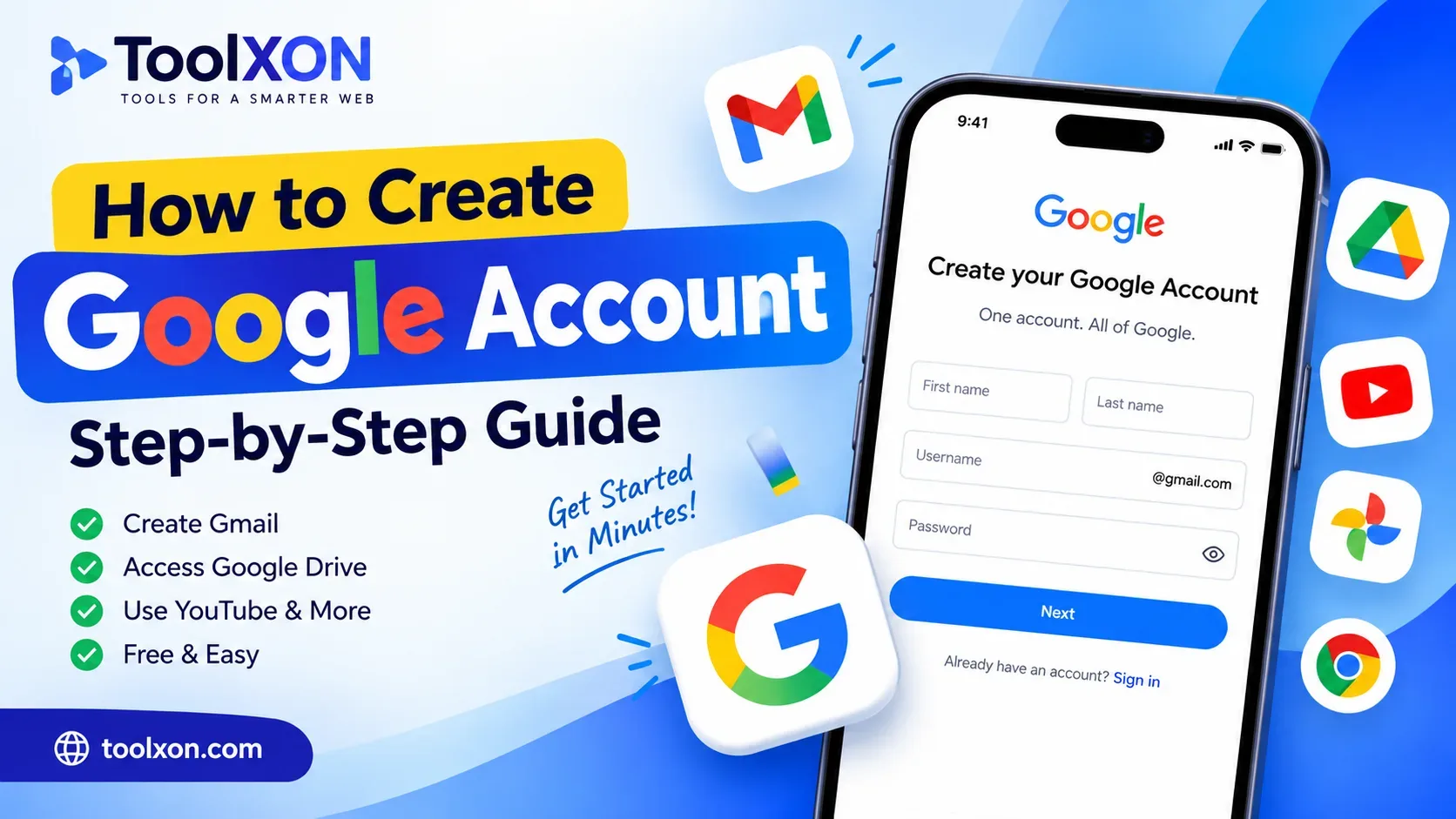
- Open the sign-up page: Visit Google Account Sign Up.
- Enter your details: Add your first and last name when requested.
- Choose your Gmail address: Select an available username or choose another suggested option.
- Create a password: Use a strong password that is difficult to guess.
- Verify your information: Follow any phone or email verification instructions shown on screen.
- Review the terms: Read Google's Privacy Policy and Terms of Service, then accept them if you agree.
Once registration is complete, you can sign in to Gmail and other Google services using your new account.
Tips for Keeping Your Google Account Safe
Use a unique password and enable two-step verification for additional protection. Also, keep your recovery phone number or email address updated. Never share verification codes or passwords with strangers.
Frequently Asked Questions
Is creating a Google account free?
Yes. Creating a standard Google account is free.
Can I create a Google account on my phone?
Yes. Open the Google sign-up page in your mobile browser and follow the same registration steps.
Do I need a phone number to create a Google account?
Not always. Google may request phone verification depending on its security checks and registration requirements.
Can I create a Google account without Gmail?
Yes. During registration, Google may offer an option to use an existing email address instead of creating a new Gmail address.
What should I do if my preferred username is unavailable?
Try another username or select one of Google's suggested alternatives.
Conclusion: Creating a Google account is an easy way to access essential online services. Follow these steps, protect your login details, and enjoy using your new account.