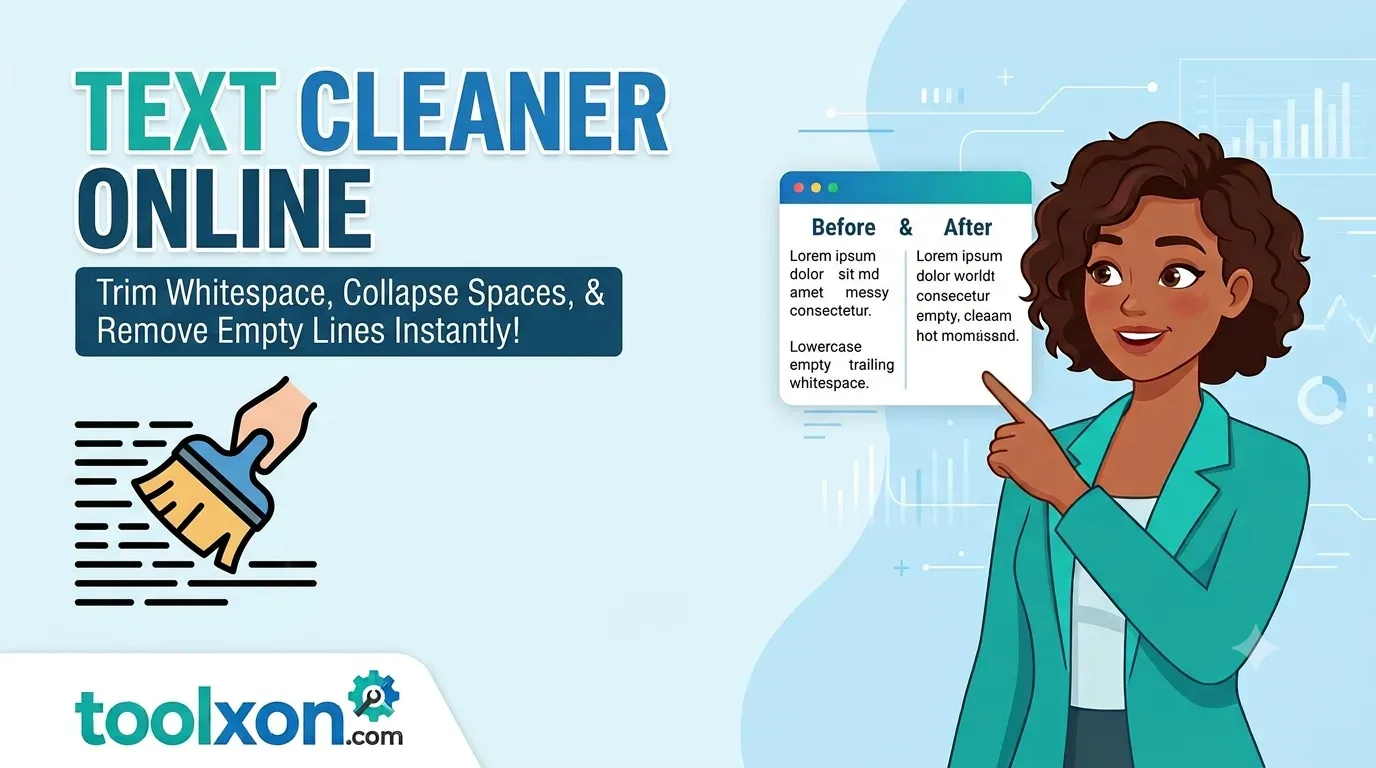
Text Cleaner Online – Clean Your Text in Seconds
Remove unnecessary spaces, trim whitespace and delete empty lines with a simple online text cleaning tool.
✨ Open Text CleanerText Cleaner Online makes it easier to organize messy text without manually editing every line. Whether you have copied content from a website, prepared notes, or collected text from different documents, unwanted spaces and blank lines can make it difficult to read. These small formatting issues can also affect how your text looks when pasted into another application.
With the free ToolXON Text Cleaner, you can quickly trim unnecessary whitespace, remove empty lines and make your text cleaner. Instead of searching through a long document for formatting problems, simply use the online tool to prepare your content. It works directly in your browser, making everyday text formatting quicker and more convenient.
📑 Table of Contents
Text Cleaner Online – Main Features
- Trim Whitespace: Remove unnecessary spaces around text.
- Remove Empty Lines: Delete unwanted blank lines from your content.
- Clean Text: Make copied and unformatted text easier to read.
- Save Time: Avoid manually fixing formatting issues.
How to Remove Extra Spaces and Empty Lines
- Open the ToolXON Text Cleaner.
- Paste your text into the available input area.
- Select the cleaning options you need.
- Clean your text and review the result.
- Copy the formatted text for your next task.
The process is straightforward, even if you have never used a text formatting tool before.
Why Use an Online Text Cleaner?
A text cleaner is useful for students, writers, bloggers and anyone who regularly works with copied content. It helps remove formatting clutter before text is reused in documents, emails or website content.
ToolXON also offers other useful text utilities:
- Word Counter – Count words in your content.
- Character Counter – Check character length.
- Case Converter – Change text capitalization.
- QR Code Generator – Create QR codes online.
Frequently Asked Questions
It is a tool that helps remove unwanted spaces, blank lines and other unnecessary formatting from text.
Yes. You can use the ToolXON Text Cleaner to remove unnecessary blank lines from your text.
ToolXON provides an online text cleaning tool that you can access directly through your browser.
No. You can open the tool online without installing a separate desktop application.
Clean Your Text Without Extra Effort
Remove extra spaces, organize blank lines and prepare cleaner text with ToolXON.
Open Text Cleaner →