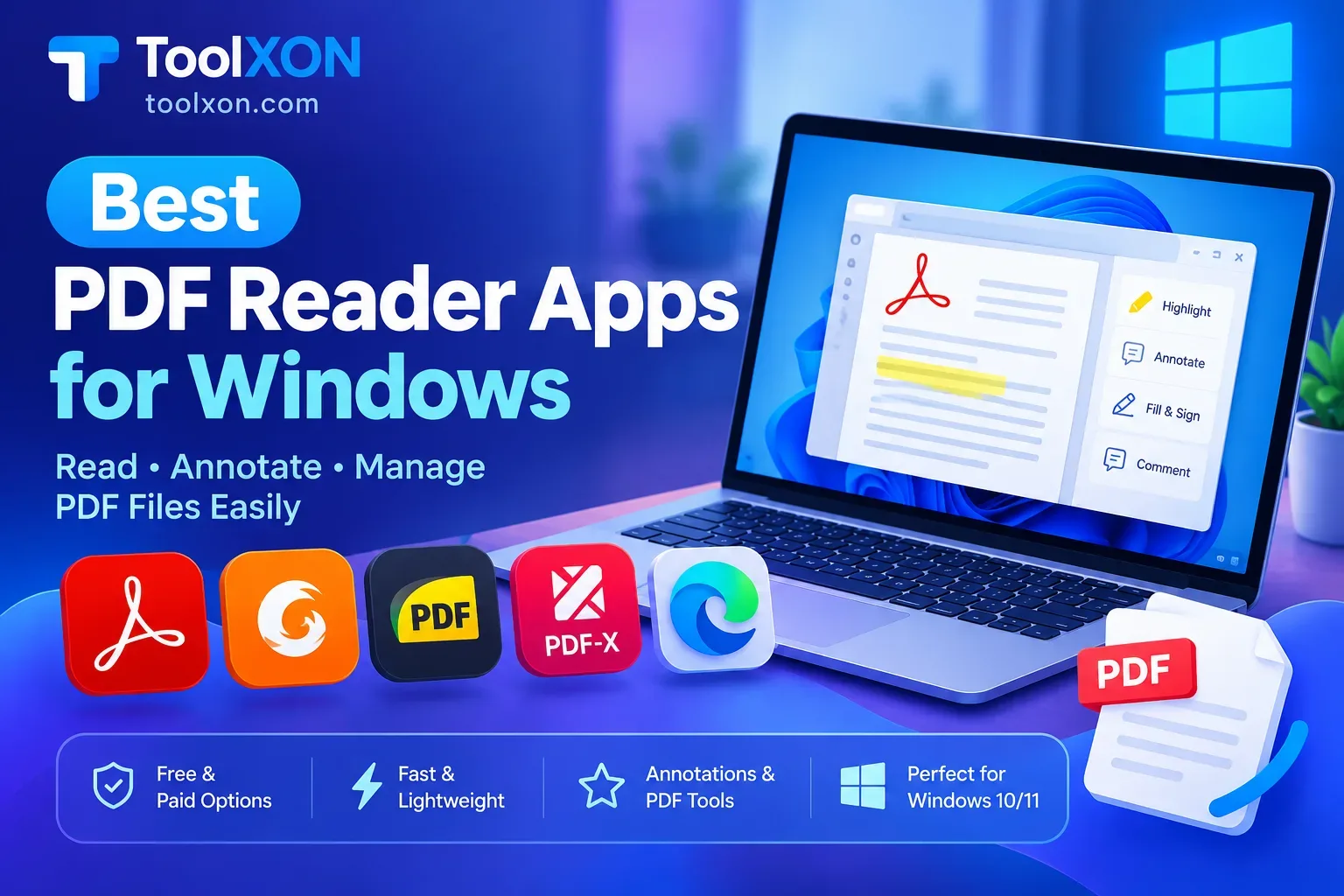
Finding the Best PDF Reader Apps for Windows can make reading documents, studying, and managing work files much easier. Although Windows can open PDFs in a web browser, a dedicated PDF reader often provides better tools for highlighting text, adding comments, filling out forms, and viewing documents offline.
The good news is that you do not always need to pay for premium software. Several free PDF readers offer useful features for students, office workers, and everyday users. However, the right choice depends on whether you want a lightweight viewer or a complete PDF management tool.
Table of Contents
- Best PDF Reader Apps for Windows
- Which PDF Reader Should You Choose?
- How to Choose a Free PDF Reader
- Frequently Asked Questions
Best PDF Reader Apps for Windows
| PDF Reader | Best For |
|---|---|
| Adobe Acrobat Reader | Everyday reading, forms, and annotations |
| Foxit PDF Reader | Productivity and document markup |
| SumatraPDF | Lightweight, fast PDF viewing |
| PDF-XChange Editor | Advanced viewing and annotation tools |
| Microsoft Edge | Opening PDFs without installing extra software |
These apps serve different needs. For example, SumatraPDF is a good option for older or low-powered PCs, while Adobe Acrobat Reader is suitable for users who regularly handle forms and shared documents. Some advanced editing features may require a paid plan.
Which PDF Reader Should You Choose?
If you only need to open and read documents, try SumatraPDF or Microsoft Edge. For highlighting text, adding comments, and working with forms, consider Adobe Acrobat Reader or Foxit PDF Reader.
Before installing any software, download it from its official website and check whether the features you need are available in the free version.
Frequently Asked Questions
What is the best free PDF reader for Windows 11?
Adobe Acrobat Reader, SumatraPDF, and Foxit PDF Reader are useful options, depending on your needs.
Which PDF reader is best for low-end PCs?
SumatraPDF is a strong choice because it is designed to be lightweight.
Can I read PDFs on Windows without installing software?
Yes. Microsoft Edge can open PDF files directly.
Are free PDF readers safe?
They can be safe when downloaded from official sources and kept updated.
People Also Search For
- Best lightweight PDF reader for Windows
- Free PDF reader for Windows 11
- Best Adobe Acrobat Reader alternatives
- PDF reader with annotation tools
- Fast PDF viewer for low-end PC
Final Verdict: The best PDF reader depends on your workflow. Choose SumatraPDF for simplicity, Adobe Acrobat Reader for everyday document tasks, or Foxit PDF Reader for additional productivity features.