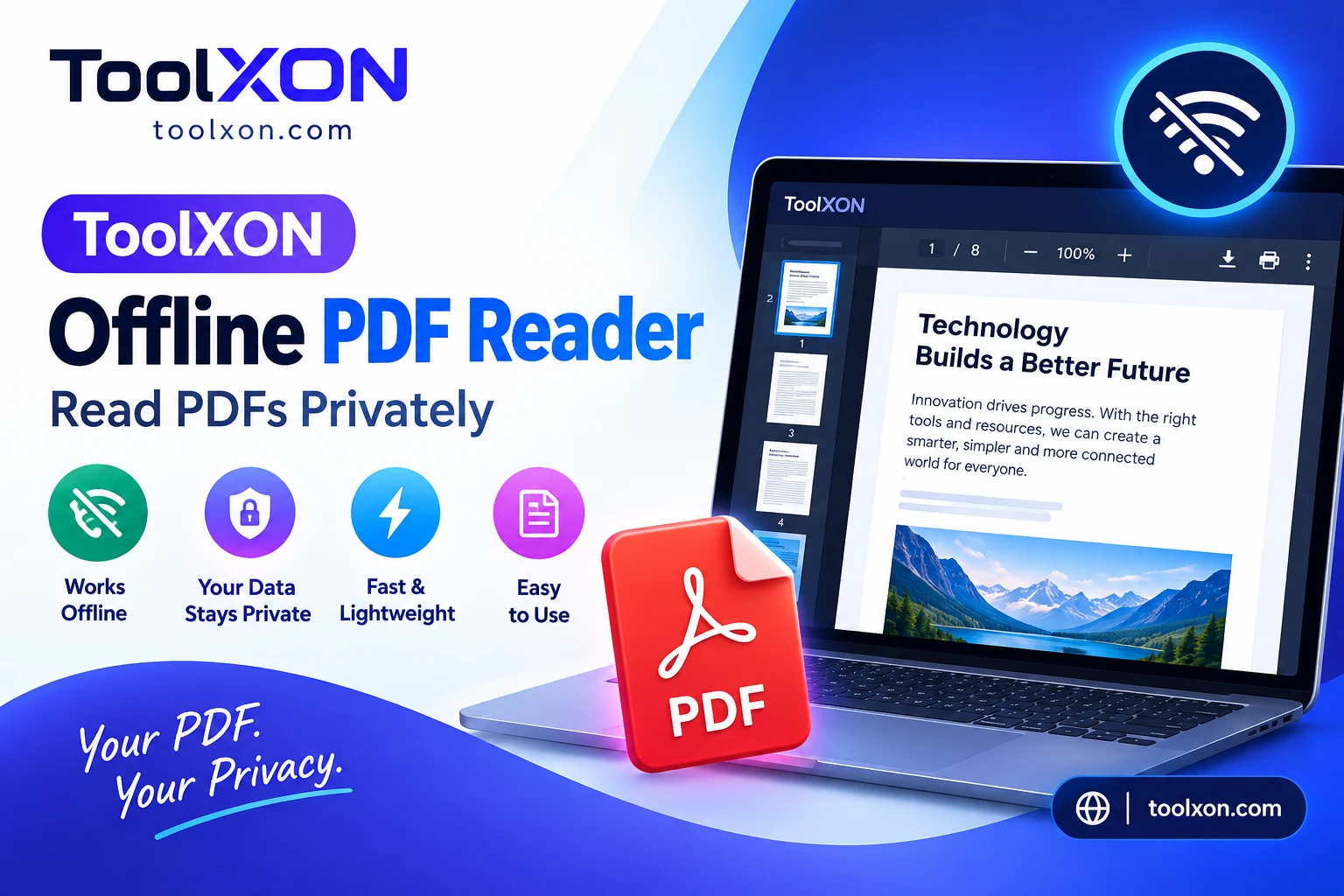
ToolXON Offline PDF Reader – Read PDFs Privately
Open a PDF saved on your device, search its text, and adjust the page view right in your browser.
A Private Way to Read PDFs in Your Browser
ToolXON Offline PDF Reader is a simple way to open a PDF in your browser when you want to read a document without sending the file to an online server. Instead of creating an account or installing a separate reader, open the tool, choose a PDF saved on your device, and start reading. The document is not uploaded to ToolXON’s server, according to the tool page. That can be useful for notes, study material, manuals, forms, and everyday reference files. You can also search for words, move between pages, adjust zoom, fit the page to the screen, and switch to full screen. In other words, the essential reading controls are gathered in one straightforward place. Here’s how to use it and what to expect.
How to Use the Offline PDF Reader
- Select Open PDF and choose a file stored on your device.
- Use Previous and Next to move through pages, or enter a page number.
- To find a phrase, type it into the search field. Zoom, Fit Width, and Full Screen make the page easier to view on different screens.
Useful Features for Everyday PDF Reading
The browser-based PDF viewer brings local file opening, text search, page navigation, zoom, and full-screen viewing together. It is made for reading, not editing or converting files. For highly sensitive documents, keep your device and browser secure as well.
Frequently Asked Questions
Can I read a PDF without uploading it?
Yes. ToolXON says your selected file stays on your device and is not uploaded to its server.
Can I search a PDF?
Yes. Enter a word or phrase in the search box.
Can I edit PDFs here?
No editing controls are listed; this tool is designed for reading.