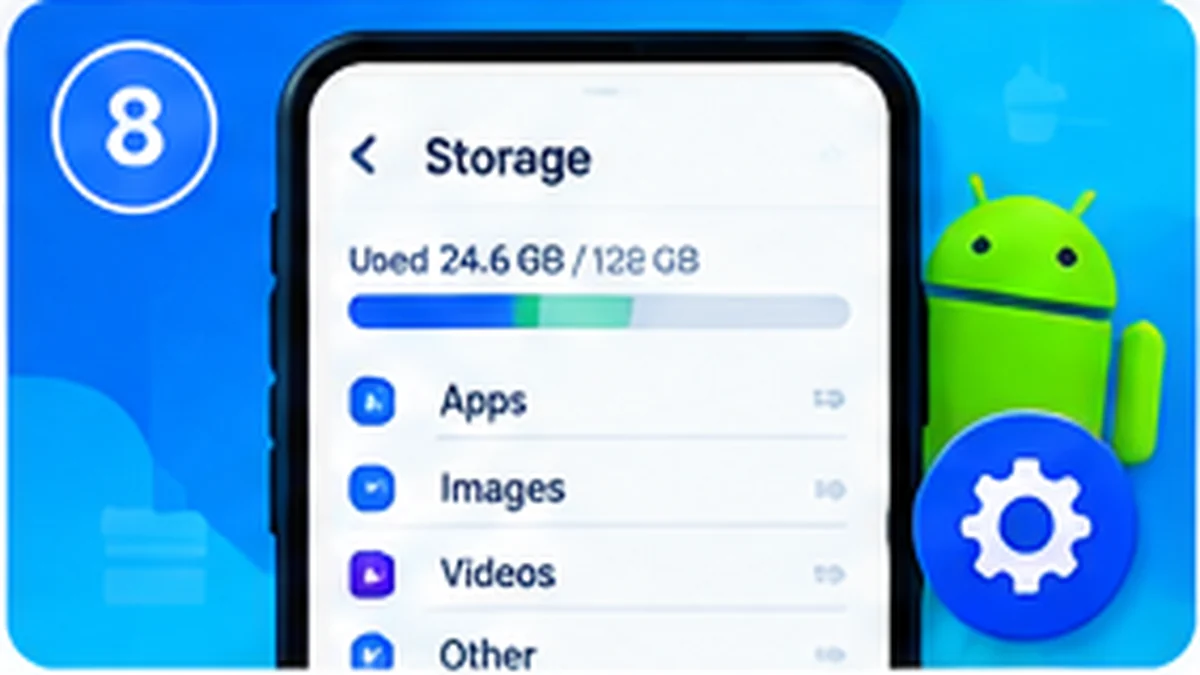
free up storage space on Android — When Android storage is nearly full, your phone may struggle to install updates, save photos or download files. The quickest solution is not always to install a cleaner app. Start with the built-in storage screen, identify what is taking up space and review files before removing them. This approach helps avoid deleting documents, photos or offline data you still need. Menu names vary by phone, but the general process is similar across most recent Android devices.
Quick Guide
How to Free Up Storage Space on Android Without Deleting Important Files: use the steps below as a practical checklist. Feature names and availability can vary by phone model, Android version, region and app version.
How to Free Up Storage Space on Android Without Deleting Important Files
When Android storage is nearly full, your phone may struggle to install updates, save photos or download files. The quickest solution is not always to install a cleaner app. Start with the built-in storage screen, identify what is taking up space and review files before removing them. This approach helps avoid deleting documents, photos or offline data you still need. Menu names vary by phone, but the general process is similar across most recent Android devices.
Find large files first
- Open Settings → Storage, or the equivalent storage manager on your phone.
- Review Downloads, large videos and offline media before deleting anything.
- Move important photos or documents to a backup location and verify the backup first.
- Empty an app's cache only when you understand that temporary data may need to be downloaded again.
Avoid risky cleanup shortcuts
- Do not delete folders just because their names look unfamiliar.
- Avoid cleaner apps that promise impossible performance gains or request broad permissions.
- Uninstall apps you recognize and no longer need, after checking whether they contain saved data.
Helpful Tips and Important Notes
Before changing a system setting or installing an app, check the developer, permissions and current user feedback. Back up important information before making major changes. Avoid modified apps, unknown APK sources and tools that promise to bypass device protections. If a feature is not available on your phone, it may simply be unsupported on that model or software build.
For more Android guides, visit the ToolXON Android category. Check the device manufacturer's support information for model-specific instructions.
Frequently Asked Questions
Is clearing cache safe?
It is generally safe, but an app may need to rebuild temporary data or download files again.
Will deleting downloads remove backed-up photos?
Not necessarily. Check the exact folder and backup status before deleting anything.
Do cleaner apps make phones faster?
They are not essential for routine storage management; built-in tools are usually a good starting point.
Editorial note: This is an independent informational guide. Android, Xiaomi, HyperOS, Redmi and POCO are trademarks of their respective owners. App features, settings and compatibility may change after updates. Always verify details on your own device before following a step.