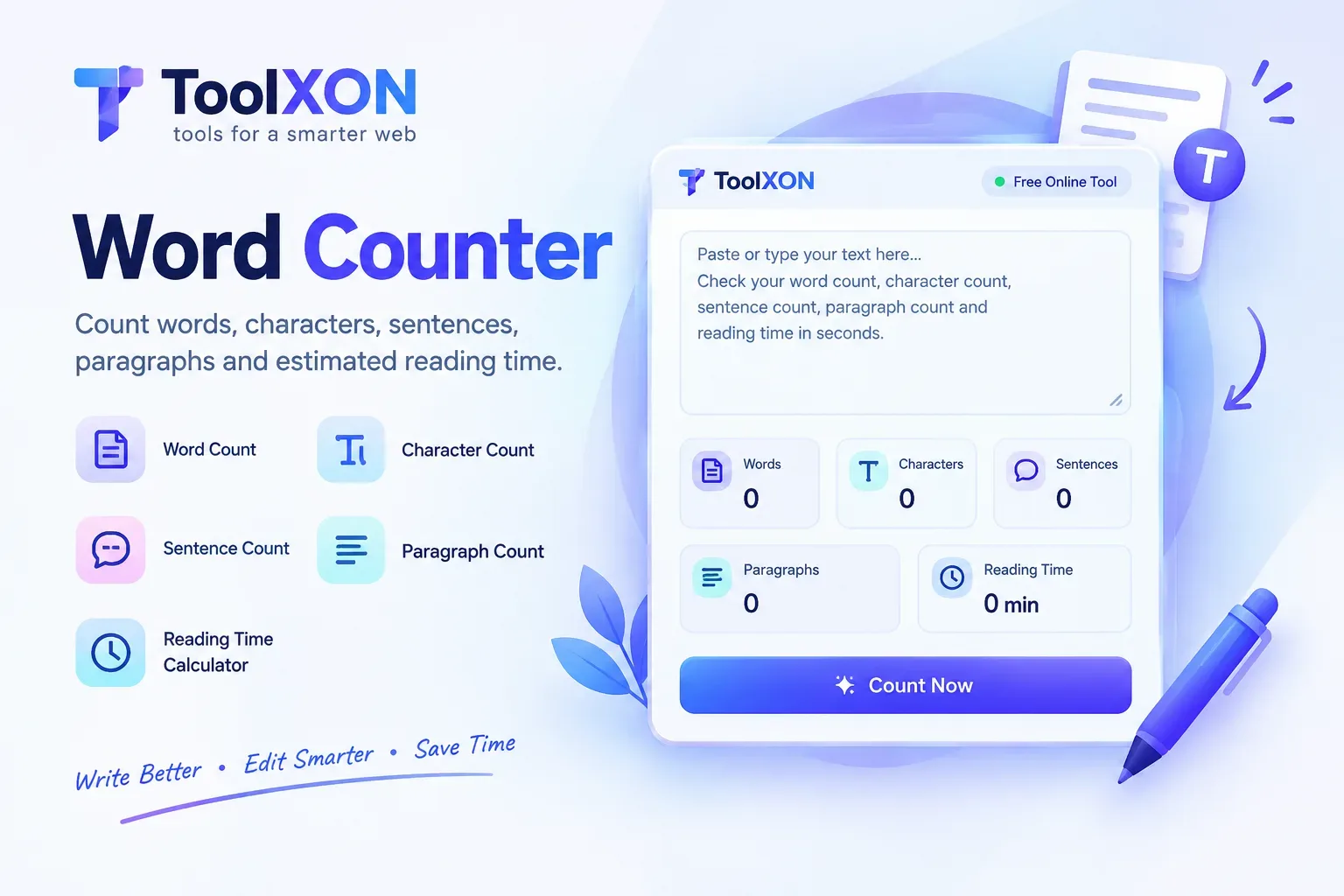
Free Word Counter Online
Count words, characters, sentences and paragraphs in seconds with a simple online text counting tool.
Open Free Word Counter →Quick • Simple • Free to use
Free Word Counter Online is a handy tool when you need to check the length of your writing without manually counting every word. Whether you are preparing a blog post, writing an assignment, editing an email or creating a social media caption, knowing your text length can make a real difference. Sometimes, a platform requires a specific word limit, while an article needs enough detail to cover its topic properly. That's where an online word counter becomes useful.
With the ToolXON Word Counter, you can quickly check your text and understand its length at a glance. Instead of estimating how much you have written, simply paste or type your content into the tool. It makes everyday writing tasks easier and helps you keep your content organised.
📑 Table of Contents
Word Counter and Character Counter Features
A useful text word counter helps you understand more than just the number of words. Depending on the available features, you can check several important text measurements:
- Word Count: Find the total number of words in your text.
- Character Count: Check how many characters your writing contains.
- Sentence Count: Understand the number of sentences.
- Paragraph Count: Check how your content is divided.
- Quick Results: Review text statistics without manual counting.
How to Count Words Online with ToolXON
Using this free word counter is straightforward. Follow these steps:
- Open the ToolXON Word Counter.
- Type your text or paste copied content into the text area.
- Check the displayed word and character statistics.
- Edit your writing if you need to meet a particular word limit.
That's it! You can repeat the process whenever you update your content.
Why Use a Free Online Word Counter?
Writers, students, bloggers and professionals often work with word limits. For example, students may need to follow assignment guidelines, bloggers may want to review article length, and social media users may need shorter captions.
Moreover, checking character length is helpful when writing titles, descriptions and short messages. A dedicated character counter can also make these tasks easier.
Word Count vs Character Count
| Measurement | What It Counts |
|---|---|
| Words | Individual words in your text |
| Characters | Letters, numbers, spaces and symbols |
| Sentences | Sentences in your writing |
| Paragraphs | Separate blocks of text |
Explore More Free Writing Tools
Character Counter
Need to check character limits separately? Try the ToolXON Character Counter.
Open Character Counter →Explore ToolXON Online Tools
Discover more useful browser-based tools for everyday tasks, productivity and content creation.
Explore All Tools →Frequently Asked Questions
1. Is the ToolXON Word Counter free?
Yes, you can use the online word counter for free to check your text length.
2. Can I count characters online?
Yes. Use the character count feature to check the length of your text, including spaces and symbols where supported.
3. Who can use an online word counter?
Students, bloggers, writers, content creators and professionals can all benefit from a word counting tool.
4. Do I need to install software?
No installation is needed. Open the ToolXON Word Counter in your browser and start checking your text.
5. Can I use it for blog writing?
Absolutely. It can help you review article length, prepare introductions and keep your blog content within a target word count.
Make Writing Easier with ToolXON
Stop guessing your text length. Count words and characters quickly with a simple online tool.
Try Free Word Counter →