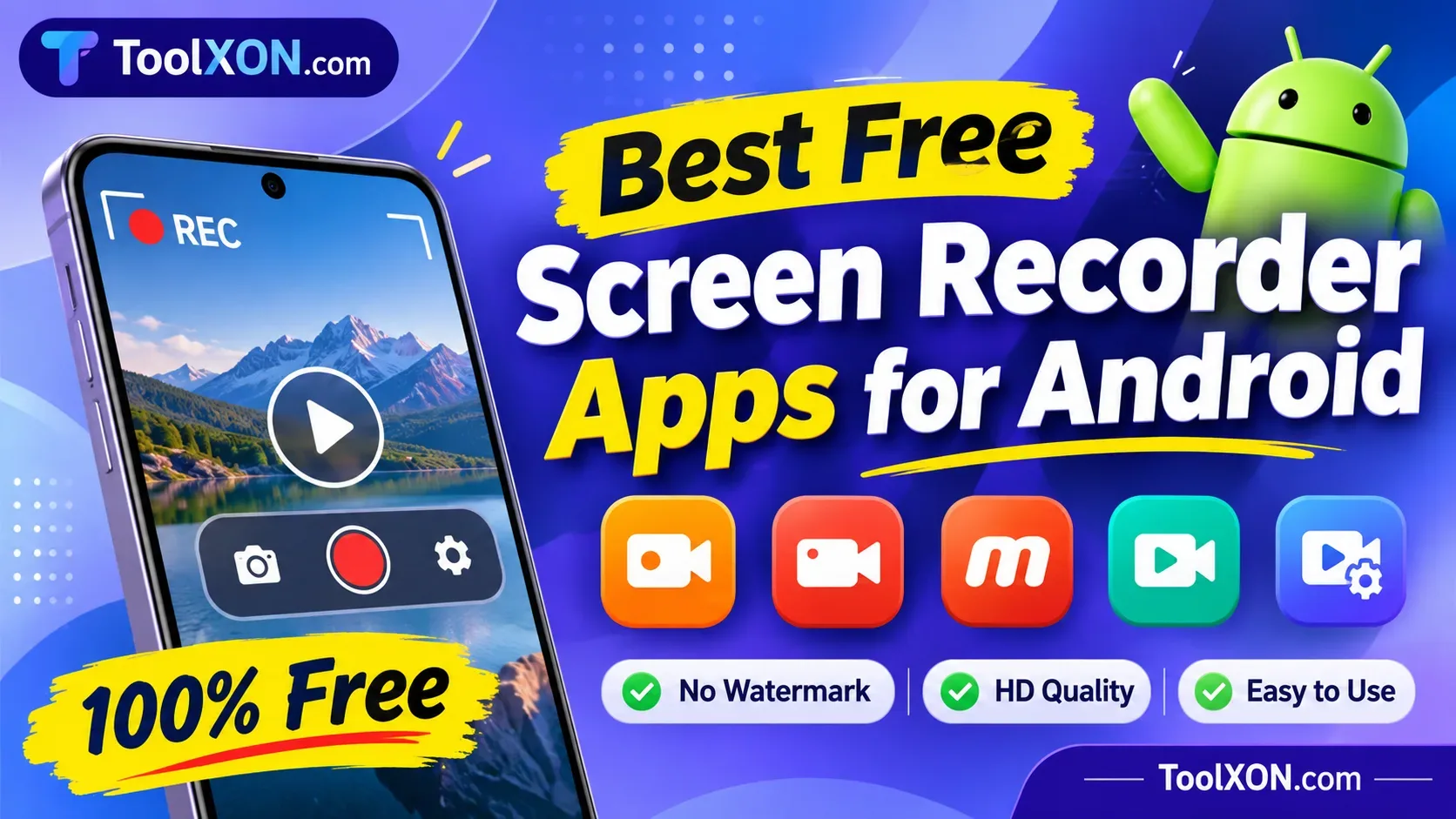
Best Free Screen Recorder Apps for Android
Looking for an easy way to record your Android screen? Explore useful free recording apps for gameplay, tutorials, and everyday screen capture.
Best Free Screen Recorder Apps for Android can make recording your phone's screen much easier. Whether you want to capture mobile gameplay, create tutorials, demonstrate an app, or save an important on-screen moment, the right recorder can save you time.
Fortunately, you don't always need expensive software or a rooted phone. Many Android devices already include a built-in screen recorder. However, if you need extra features such as facecam, editing tools, floating controls, or internal audio recording, third-party apps are worth considering.
Here are some popular options to explore, along with their main features and useful tips for choosing the right one.
Best Free Android Screen Recorder Apps
XRecorder
XRecorder is a popular choice for recording gameplay and creating video tutorials. It offers HD recording, facecam, editing tools, and internal audio support on compatible Android devices.
Best for: Gameplay and everyday screen recording.
AZ Screen Recorder
AZ Screen Recorder combines screen capture with useful editing features. You can record videos, use facecam, trim clips, and access additional creator tools.
Best for: Tutorials and content creation.
Mobizen Screen Recorder
Mobizen provides convenient recording controls and video editing options. It is another option for users who want to capture mobile activities without complicated settings.
Best for: Simple recordings and video editing.
ADV Screen Recorder
ADV Screen Recorder offers practical controls, including drawing tools, camera overlays, and recording options. It can be useful when explaining something directly on your phone screen.
Best for: App demonstrations and tutorials.
Built-in Android Screen Recorder
Before installing another application, check your Quick Settings panel. Many Android phones include a screen recorder that can capture videos without additional downloads.
Best for: Quick recordings without installing another app.
Quick Comparison of Android Screen Recorders
| App | Main Use | Free Option |
|---|---|---|
| XRecorder | Gameplay | Yes |
| AZ Recorder | Editing and tutorials | Yes |
| Mobizen | Video recording | Yes |
| ADV Recorder | Annotations | Yes |
| Built-in Recorder | Basic capture | Yes |
Note: Free versions may include advertisements, in-app purchases, or feature restrictions.
Download Free Screen Recorder Apps
Get the Screen Recorder Download List
Want to explore the available screen recording apps in one place? Use the link below to access the supplied download page.
Verify & Download Apps ↗Check the destination, app permissions, and file safety before downloading. Prefer official Google Play listings whenever available.
Tips for Better Android Screen Recording
- Choose 1080p resolution if your phone supports it.
- Check microphone and internal audio settings.
- Enable Do Not Disturb to avoid unwanted notifications.
- Keep enough storage space for longer recordings.
- Test a short video before recording important content.
Frequently Asked Questions
Which is the best free screen recorder for Android?
XRecorder and AZ Screen Recorder are popular choices. The built-in Android recorder is also useful for basic recording.
Can I record my Android screen without a watermark?
Yes. Some apps offer watermark-free recording, but check the free-version conditions before installing.
Can screen recorder apps capture internal audio?
Some support internal audio on Android 10 and newer. However, recording availability also depends on device settings and app restrictions.
Do I need root access to record my screen?
No. Most modern Android screen recording options work without root access.
Best free Android screen recorder, Android screen recorder without watermark, free gameplay recorder, best screen recording apps, Android video capture app, screen recorder with internal audio.
Final Thoughts
The best Android screen recorder depends on what you want to capture. XRecorder is worth trying for gameplay, AZ Screen Recorder offers useful creator tools, and the built-in recorder is a convenient starting point. Compare their features and choose the one that fits your phone and recording needs.